
Searching Cases by Name
Pick the court before you type a name. The Clerk of Courts' CaseLook portal handles Common Pleas Appeals, Civil, Criminal, Domestic Relations, Judgment Lien, and Miscellaneous categories. Municipal CaseLook covers adult Traffic, Criminal, Civil, Small Claims, and Parking matters. Probate runs a third, separate CaseLook service. No single Hardin name search reaches every local court.
- Match the matter to the court. Use Common Pleas for the Clerk’s general categories, Municipal Court for adult traffic, misdemeanor, lower-court civil, small-claims, and parking matters, or Probate for its separate categories. Route juvenile and juvenile-traffic questions to Domestic Relations/Juvenile instead of expecting an ordinary public name result.
- Open the proper CaseLook gateway, read and accept the displayed disclaimer, and select Case Search. The Common Pleas and Municipal forms both use this agreement step before the search form.
- Enter the name in the documented order: last name, a space, then first and middle name. The Name/Company box allows up to 30 characters. Use it as the one primary criterion rather than combining it with another search field.
- Select only relevant categories when known, choose 25, 50, 100, or 250 matches per page, complete the image or audio CAPTCHA, and select Begin Search. If the result is needed for a current court date or official document, confirm it with the responsible office.
| Field label | Type | Required | Documented use |
|---|---|---|---|
| Name/Company | Text | Unspecified | Last name, space, first and middle name; maximum 30 characters. |
| Case type | Checkboxes | No | All available categories are selected by default; use the selected court’s category list. |
| Matches per page | Radio buttons | One choice | 25 is the default; 50, 100, and 250 are available. The portal says smaller result counts may be faster. |
| CAPTCHA response | Text response | Yes | Image/audio verification is required before live results are returned. |
Hardin County CaseLook Uses One Criterion
Common Pleas and Municipal CaseLook share one core rule. Search a single item at a time. Besides a name, each form can take a numeric case number, a hearing date, or a file date. Municipal Court adds a ticket number. Typing a name and a date together is not the documented workflow, even if you know both. The Common Pleas and Municipal forms expose no attorney-name search. They offer no court-number selector, status or disposition filter, document-type filter, or export control. A broad name search may return several possible matters. Narrow it with the court category or a fresh one-at-a-time search instead of assuming a hidden filter.
Portal boundary: disclaimer acceptance and a CAPTCHA protect the live results. They also mean the court sites do not offer a neutral public training result that establishes a standard output layout.
Searching by Case Number
On the Common Pleas, Municipal, and Probate forms, the Case Number field takes numbers only. No letters are allowed. The Common Pleas and Municipal versions cap input at 12 characters. Search in the exact court that issued the number. The forms publish no countywide case-number decoder. A Common Pleas number will not work in Municipal CaseLook. The one public Hardin display example appears in Municipal Court's ticket-payment instructions. A single citation can create separately lettered charge cases such as TRD10000001A, TRD10000001B, and TRD10000001C. That is a display convention; the CaseLook input still demands numbers only. No rule is published for converting every lettered display into an input. Call the Municipal Clerk if a numbers-only attempt comes up empty.
Hardin County Municipal Ticket Search
Ticket Number is an extra Municipal Court search field. It is not documented on Common Pleas or Probate CaseLook. It takes up to 32 characters. When the ticket number is known, Municipal Court becomes the local online route for an adult citation. A felony, Common Pleas civil case, or probate matter belongs elsewhere. Hardin's court split matters most for traffic. Municipal Court handles adult traffic countywide. The Domestic Relations/Juvenile Court expressly takes juvenile traffic matters. A missing Municipal ticket result does not mean a juvenile matter has no court record. It may sit in a court with restricted access and a different contact route.
What a Case Search Returns
CaseLook sits behind a CAPTCHA, and the courts publish no sample docket, so the exact headers, party display, action names, financial fields, disposition labels, document viewer, and redaction labels of a Hardin result are not spelled out in advance. What a search plainly returns is the portal's controls. The useful distinction to hold onto is between those search controls and the court's underlying docket, journal, index, and case file.
| Search-result field list | Not published in a neutral Hardin sample; do not assume a fixed row layout from the public form. |
|---|---|
| Case number | Assigned when a case is filed and required on later papers. The public forms accept a numbers-only case-number input. |
| Case category | Documented as a search filter, not as proof of a particular result-column label. Categories vary by Common Pleas, Municipal, and Probate portals. |
| Docket and journal | Municipal Local Rule 2 confirms that the Clerk maintains indexes, dockets, journals, and case files; it does not publish a live-result legend. |
| Official document | Documents, orders, journals, and certified copies may require the office holding the original record. |
The Probate Court fee page is an official reminder that a court-record request and an online reference search are different channels. Its fee schedule covers court services, not free lookups.
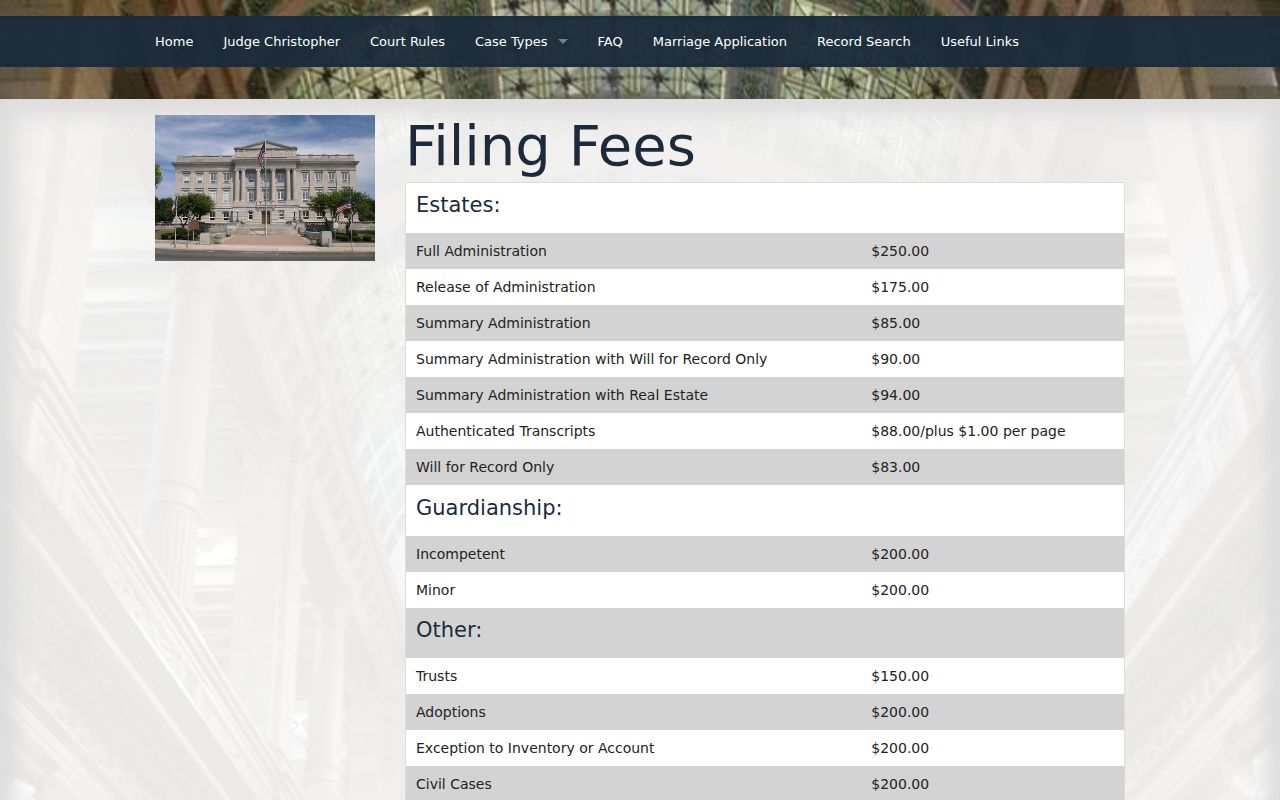
Those published fees concern court services. The public CaseLook search is the starting point for locating a probate matter, not a substitute for an authenticated court record.
image_after
image_after
Hardin County Probate Record Search
Probate keeps its own search form, separate from Common Pleas and Municipal. The court's CaseLook service asks for a Name or Company. Use the usual format: last name, a space, then first and middle. You can also search by a numbers-only Case Number, or narrow things by File Date. Choose 25, 50, 100, or 250 results per page. Then filter by case type: Civil, Estate, Guardianship, Marriage, Miscellaneous, or Trusteeship. The form offers no hearing-date or ticket-number criterion, and no CAPTCHA stands in your way.
The Hardin County Probate Court page names the office itself. It also lays out the court's probate services.
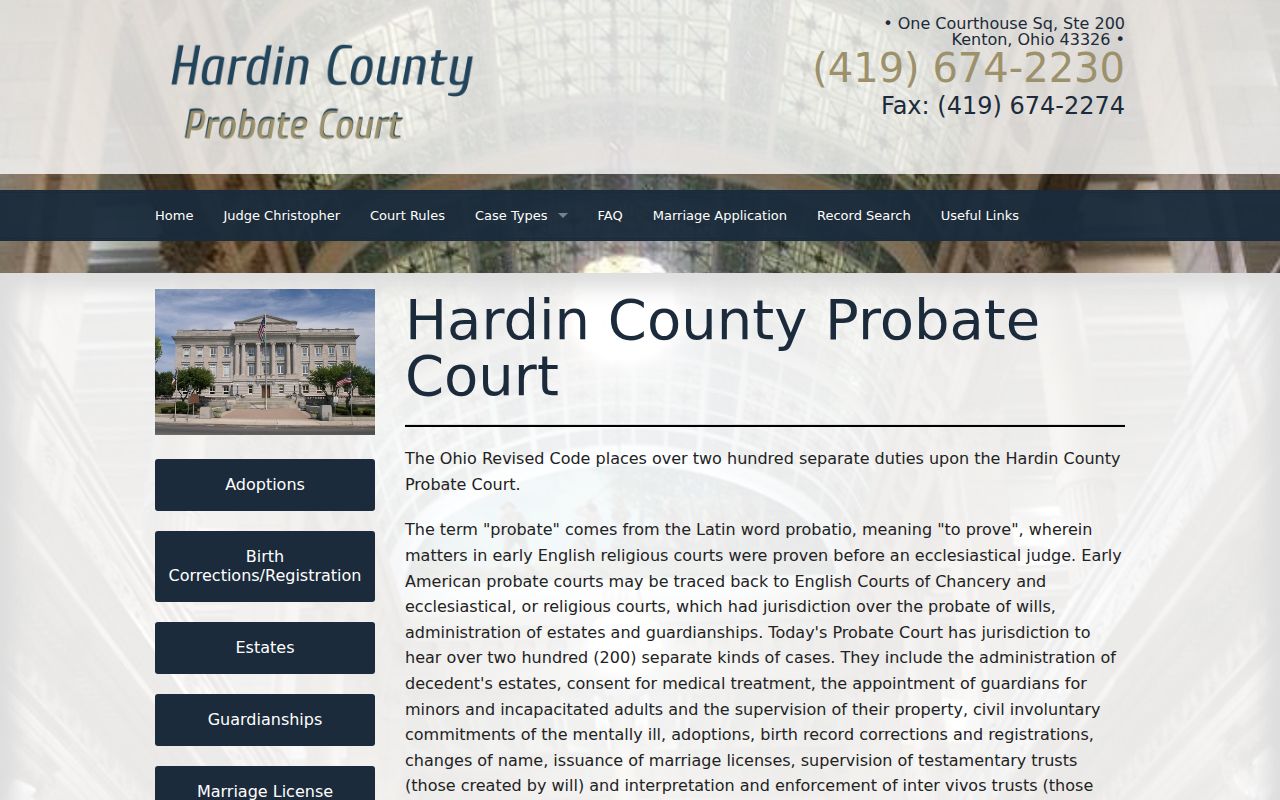
The office and the category list point you away from Municipal and Common Pleas CaseLook for these matters. Estate files, guardianships, marriages, and trusteeships live in Probate. The Probate CaseLook record-search gateway is the official online entry point, and the official page it leads to lists the record categories Probate makes searchable.
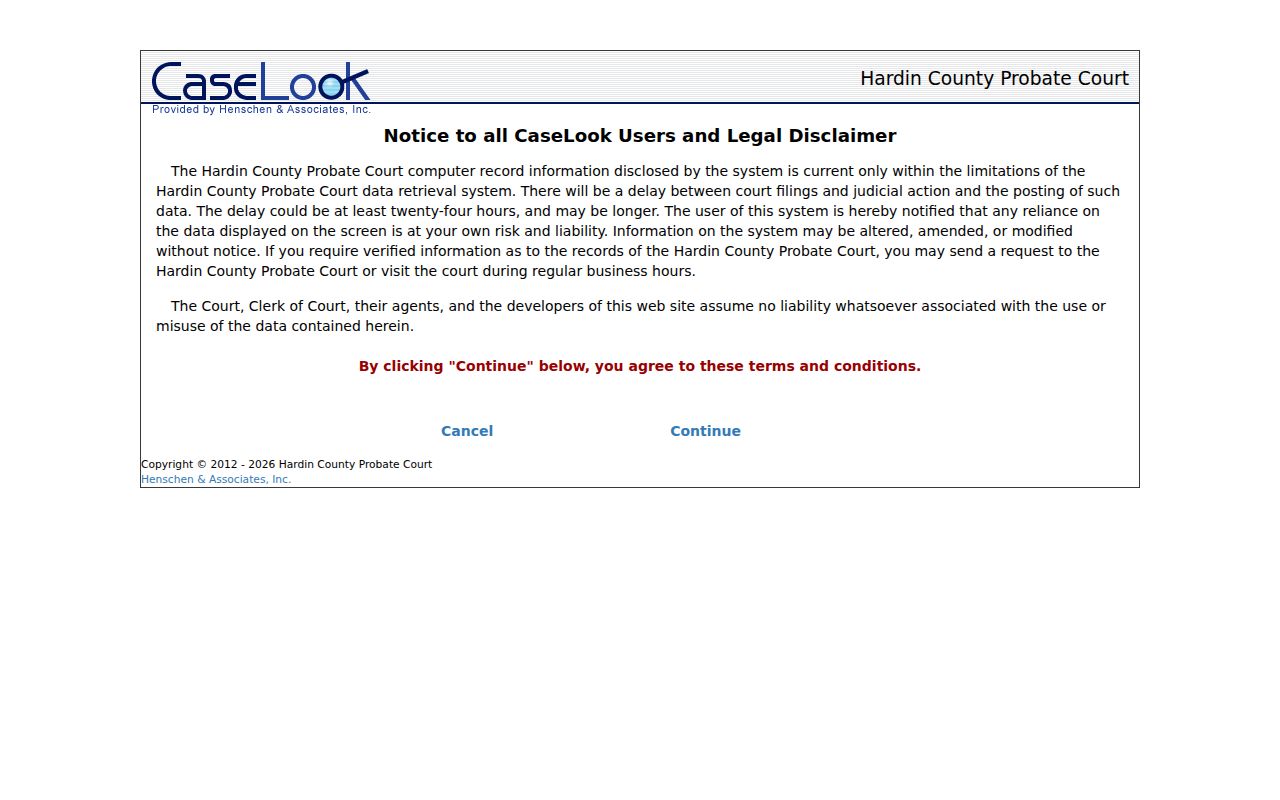
The separate host is part of the routing decision. A Hardin County case search should pick the court first, then use the fields that court actually supplies.
Statewide vs County Case Search
Ohio has no single statewide trial-court docket that covers Hardin County cases. Searches must go court by court. The Ohio Supreme Court's Online Case Docket tracks Supreme Court cases only. It cannot stand in for the local trial-court portals. For a Hardin County matter, the real comparison comes down to this: one missing statewide tool against three separate Hardin County routes, one for each court.
| Statewide Ohio trial-court search | Hardin court-specific search |
|---|---|
| No unified public portal documented for Hardin trial-court cases. | Separate Common Pleas, Municipal, and Probate CaseLook routes. |
| Ohio Supreme Court docket coverage is not a substitute for local trial dockets. | Choose the court based on case type and use that portal’s category filters. |
| A single statewide name query cannot be relied on to sweep Hardin local courts. | A court-by-court search can locate the responsible local docket when the correct court is known. |
Need to confirm a hearing date? Run a Calendar Search inside the right CaseLook portal, then call the court to verify any near-term setting.
Hardin County Henschen Filing Boundary
Hardin's Clerk sends filers to Henschen & Associates for eFiling. The system runs on accounts. Its public landing page only offers two choices: request an account or sign in. CaseLook works differently, opening public record searches after a local disclaimer and any required CAPTCHA. An e-filing sign-in screen is not docket-image access. The Clerk's Common Pleas e-filing page explains that filing channel from the court's side.
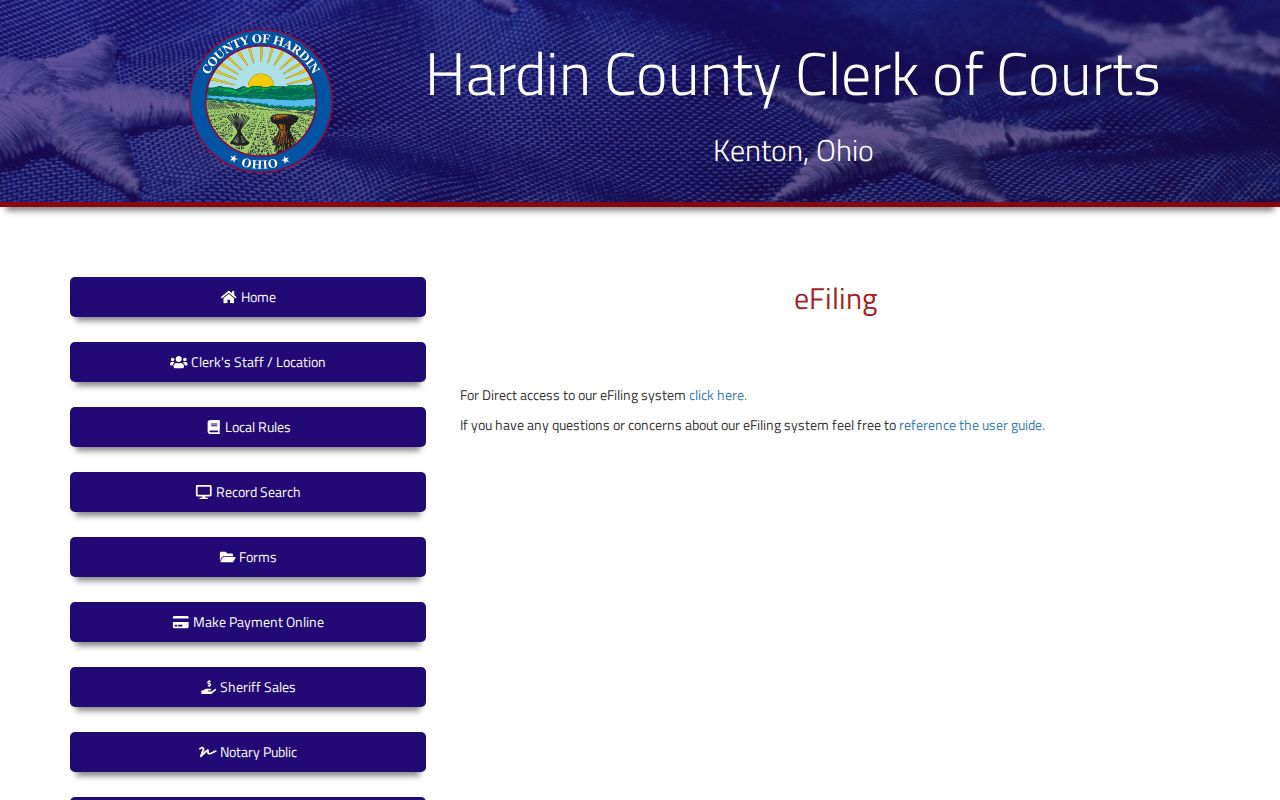
That page ties document filing to the Clerk's office. For looking up a case, CaseLook stays the public route. The Henschen e-filing sign-in page shows where account access begins.
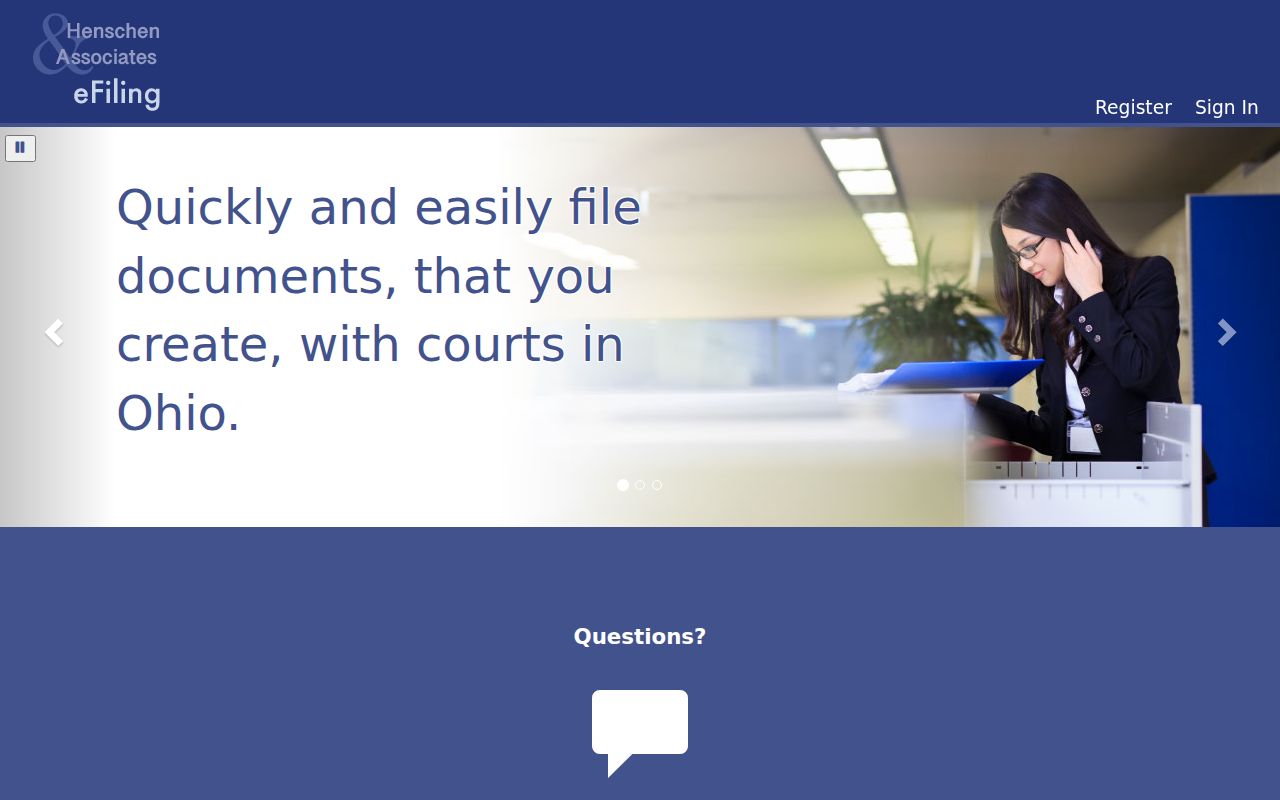
Match the tool to the task. File through an authorized account; do a public case lookup through the court's CaseLook portal.
Access and Restricted Cases
Open adult Common Pleas and Municipal cases may show up in the responsible CaseLook portal. First you must clear the court category, the disclaimer, the CAPTCHA, and any posting delay. That is not the whole court record. Under Ohio's Rules of Superintendence, dockets and indices count as case documents. Yet the rules also allow exclusions, redaction, and restrictions. So a public result helps you follow a case path without guaranteeing every attachment or identifier. Juvenile matters sit apart. Hardin Domestic Relations/Juvenile Court holds exclusive juvenile-traffic jurisdiction. Juvenile records carry their own confidentiality and sealing statutes. Sealed or expunged adult cases may vanish from ordinary results, since an order can strip out index references. No result does not mean nothing ever happened. When access is the question, call the responsible court instead of working around a portal limit.
Hardin County Clerk Verification
A filing or judicial action can take at least 24 hours to post. CaseLook itself cautions that it sometimes takes longer. Common Pleas points anyone needing verified, timely information to the Clerk's phone or counter. Municipal Court's rules likewise allow in-person inspection through the Clerk and the Public Docket Room during regular business hours, with original papers kept in the Clerk's office. The Hardin County Clerk of Courts staff and contact page lists the counter and contact route for reaching that office.
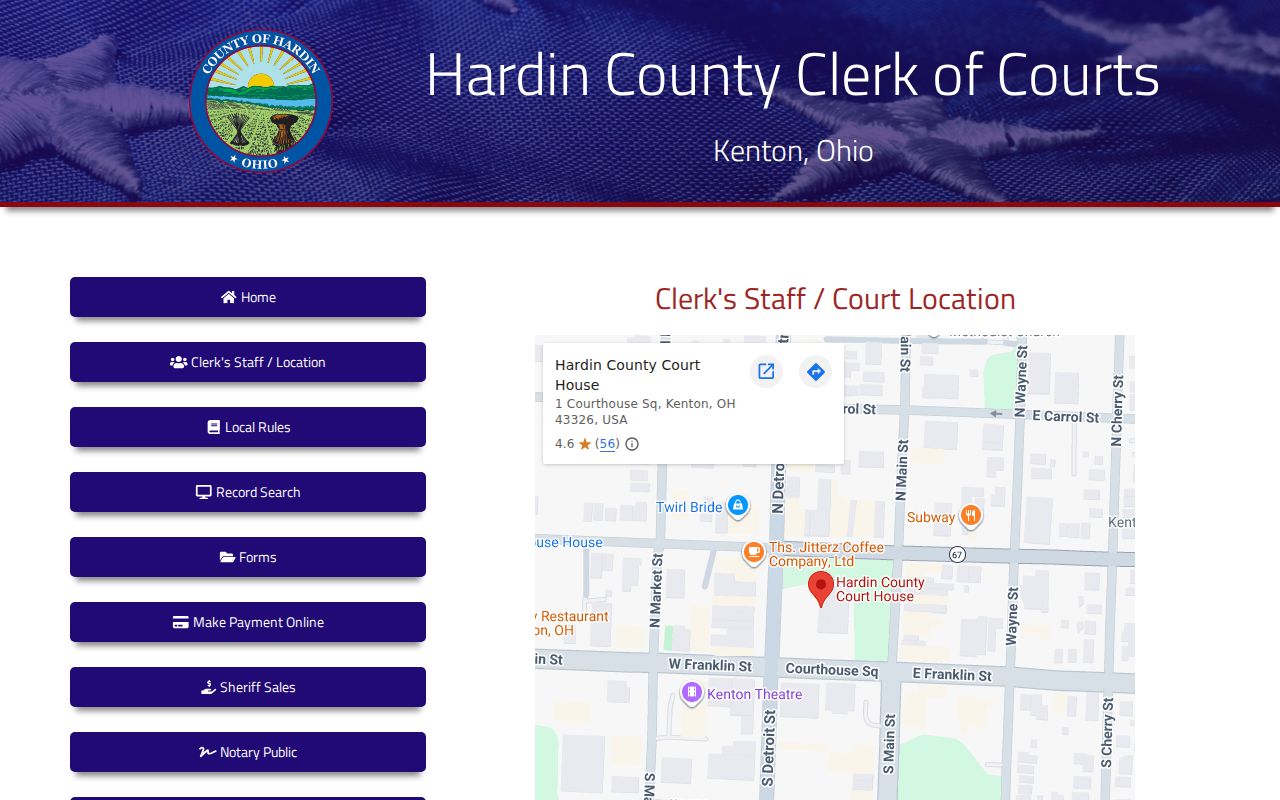
For Common Pleas records, call the Clerk at 419-674-2278 or visit Suite 310 at One Courthouse Square. Municipal Court keeps its own clerk at 419-674-4362. Probate is 419-674-2230, and Domestic Relations/Juvenile is 419-674-2233. Have the court name, category, and case number ready so the right office confirms the correct record.